Construction schedules fall apart not because teams don’t care, but because the tools they’re using can’t keep up. The best digital construction scheduling tools solve real problems: weather delays that cascade into missed milestones, subcontractors working off outdated drawings, and field teams who never know what the office actually planned. After reviewing platforms across enterprise construction, collaborative scheduling, and general project management, this guide breaks down which tools actually hold up under the pressure of live projects.
How the Picks Were Chosen
Each option was assessed using publicly available information pulled from official product pages, user review platforms, and published case studies. Feature sets, real-world adoption patterns, and track records specific to construction management were all part of the picture. Only platforms with demonstrated results in construction workflows made the cut.
See the full research breakdown
- Wrike – Best for enterprise project and workflow management
- Planera – Best for construction project scheduling and management
- Procore – Best for enterprise construction management
- Autodesk Construction Cloud – Best for general contractors, specialty contractors, and construction owners
- monday.com – Best for team collaboration and customizable project management
Why Digital Construction Scheduling Tools Are Worth the Investment
Construction scheduling isn’t just about knowing what happens next. It’s about staying in control when supply chains stall, crews call out, or a permit gets delayed for the third time.
The right digital scheduling tool gives project managers a live picture of where things stand, not a snapshot from last week’s meeting. That matters when you’re coordinating four trades across overlapping timelines, and everyone’s pulling from a different version of the schedule.
Tools built for construction understand the schedule isn’t static. They’re designed around the reality that change orders shift baseline dates, resource availability changes daily, and both the office and the field need to see the same information at the same time.
Choosing the right platform shows up in the numbers too. Teams that consistently track schedule performance index (SPI) and compare planned versus actual completion percentages at each phase make smarter decisions faster. And fewer schedule updates per phase means less rework, not less rigor.
Digital Construction Scheduling Tools Comparison Table
Note: All data in this table is sourced from review platforms and the official websites of the listed companies.
| Company Name | Years Operating | Team Size | Headquartered In |
| Wrike | Since 2006 | 1,000+ | San Jose, California |
| Planera | Since 2021 | 49 | – |
| Procore | Since 2002 | 4,421 | Carpinteria, California |
| Autodesk Construction Cloud | Since 2019 | – | San Francisco, California |
| monday.com | Since 2012 | 2,508 | Tel Aviv, Israel |
1. Wrike – Best for Enterprise Project and Workflow Management
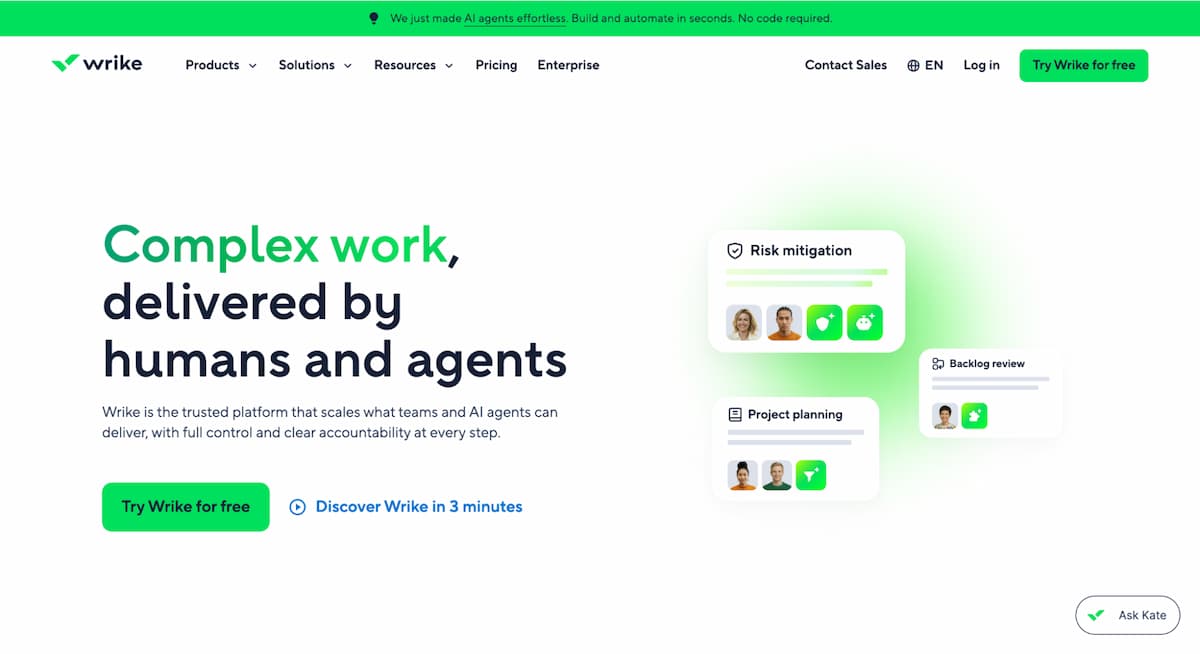
What Is the Purpose of Wrike?
Wrike is a project management platform built for teams that handle complex, multi-stakeholder workflows. It gives construction teams the tools to track dates, dependencies, assignments, and workloads through interactive Gantt charts and workload views. The platform connects with 400+ applications, so it can fit into existing construction tech stacks without much friction. For teams managing large-scale projects with a lot of moving pieces, Wrike’s enterprise-grade configurability is genuinely useful.
What’s Wrike’s Edge in Digital Construction Scheduling Tools?
Wrike addresses the challenge of managing multiple parallel workstreams, especially when cross-functional teams need a single place to track what’s happening across a project. Teams running complex workflows report productivity gains, which in construction translates directly to better schedule adherence and fewer scheduling gaps.
The Review Roundup:
Wrike earned a 2024 Top Rated award from TrustRadius across 14 categories and holds a Leader position in the Gartner Magic Quadrant for Collaborative Work Management. Reviewers across industries consistently point to its Gantt chart flexibility and workload visibility as standout features. For enterprise teams that need serious configurability, the recognition tracks.
2. Planera – Best for Construction Project Scheduling and Management
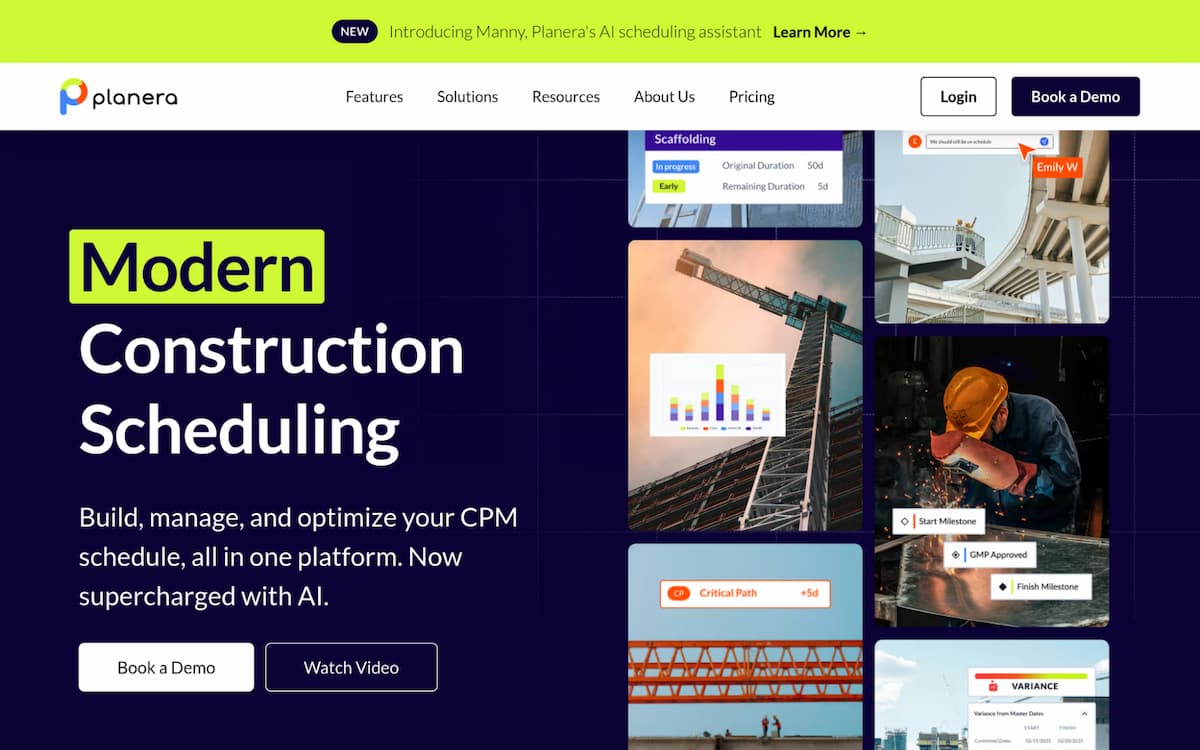
What Is the Purpose of Planera?
Planera is a collaborative scheduling platform built for construction. It lets contractors build resource- and cost-loaded CPM schedules directly on a digital whiteboard, which makes the whole process faster and less dependent on specialist schedulers. The platform connects with Procore, Autodesk, Primavera P6, and Microsoft Project, so it fits naturally into the tools most construction teams already use. With 500+ live projects on the platform and clients like Granite and Barton Malow, Planera has real construction-site credibility behind it.
What’s Planera’s Edge in Digital Construction Scheduling Tools?
Planera solves one of the most persistent problems in construction scheduling: the disconnect between what the office plans and what the field actually sees in real time. That kind of single-source-of-truth approach is rare in construction tech, and it’s exactly what teams need to keep planned versus actual completion percentages aligned through every project phase.
The Review Roundup:
Planera has attracted $26.9M in total funding and backing from industry players like Zachry Construction, which signals strong confidence from people who know construction from the inside. The unlimited users model is a practical advantage for large project teams. Construction firms looking for a purpose-built scheduling tool are clearly taking notice.
3. Procore – Best for Enterprise Construction Management
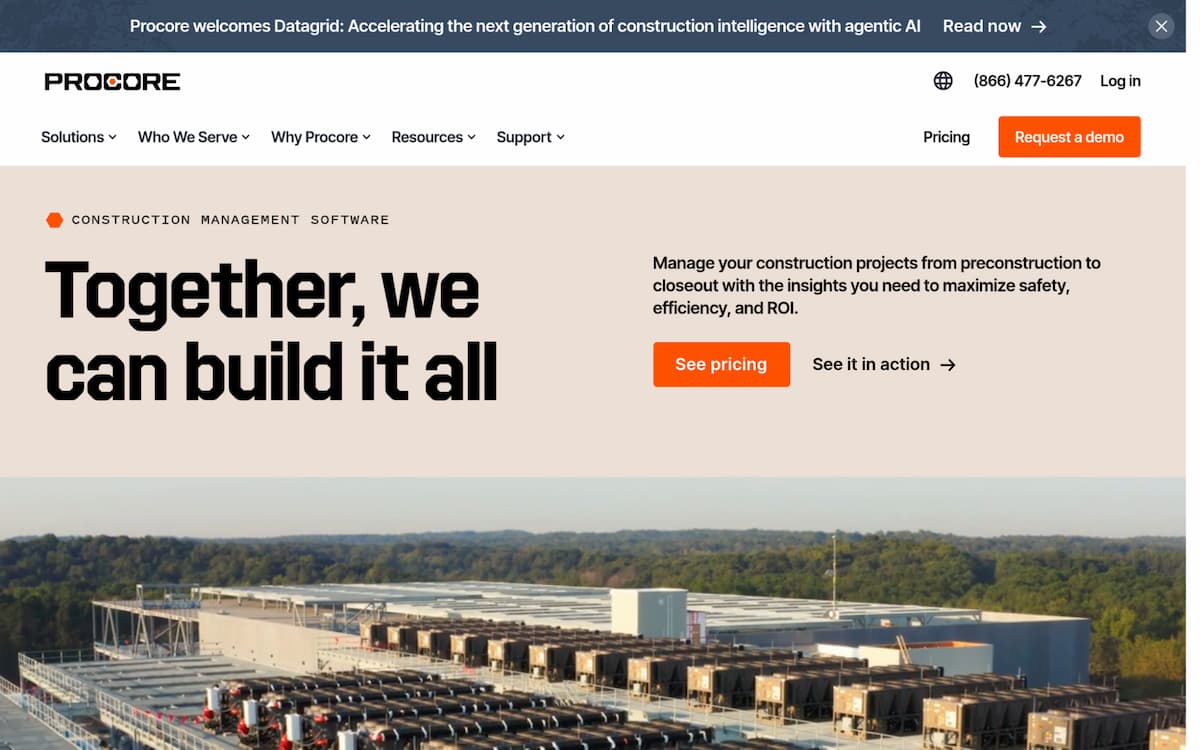
What Is the Purpose of Procore?
Procore is an end-to-end construction management platform covering everything from preconstruction through financial closeout. It serves owners, general contractors, and specialty contractors across more than 150 countries, with over 2 million users managing three million projects on the platform. The Procore Helix system, including Copilot and Agents, adds automation and insight layers that help teams cut down on manual rework. For organizations that want one platform to run the entire project lifecycle, Procore is the benchmark.
What’s Procore’s Edge in Digital Construction Scheduling Tools?
Procore tackles the problem of fragmented project data by pulling every phase of construction into one connected system (and that’s a bigger deal than it sounds when you’re managing change orders, submittals, and RFIs at the same time). Teams using Procore consistently report better cross-stakeholder visibility, which directly supports stronger schedule performance index tracking across project phases.
The Review Roundup:
Procore has earned best-in-class recognition from SelectHub analysts across multiple construction management categories, and Forbes called it “The Cloud’s Hottest Unicorn” back in 2018. Reviews regularly highlight its mobile capabilities and financial management tools as particularly strong. That kind of industry-wide recognition, across that many users, builds a lot of trust.
4. Autodesk Construction Cloud – Best for General Contractors, Specialty Contractors, and Construction Owners
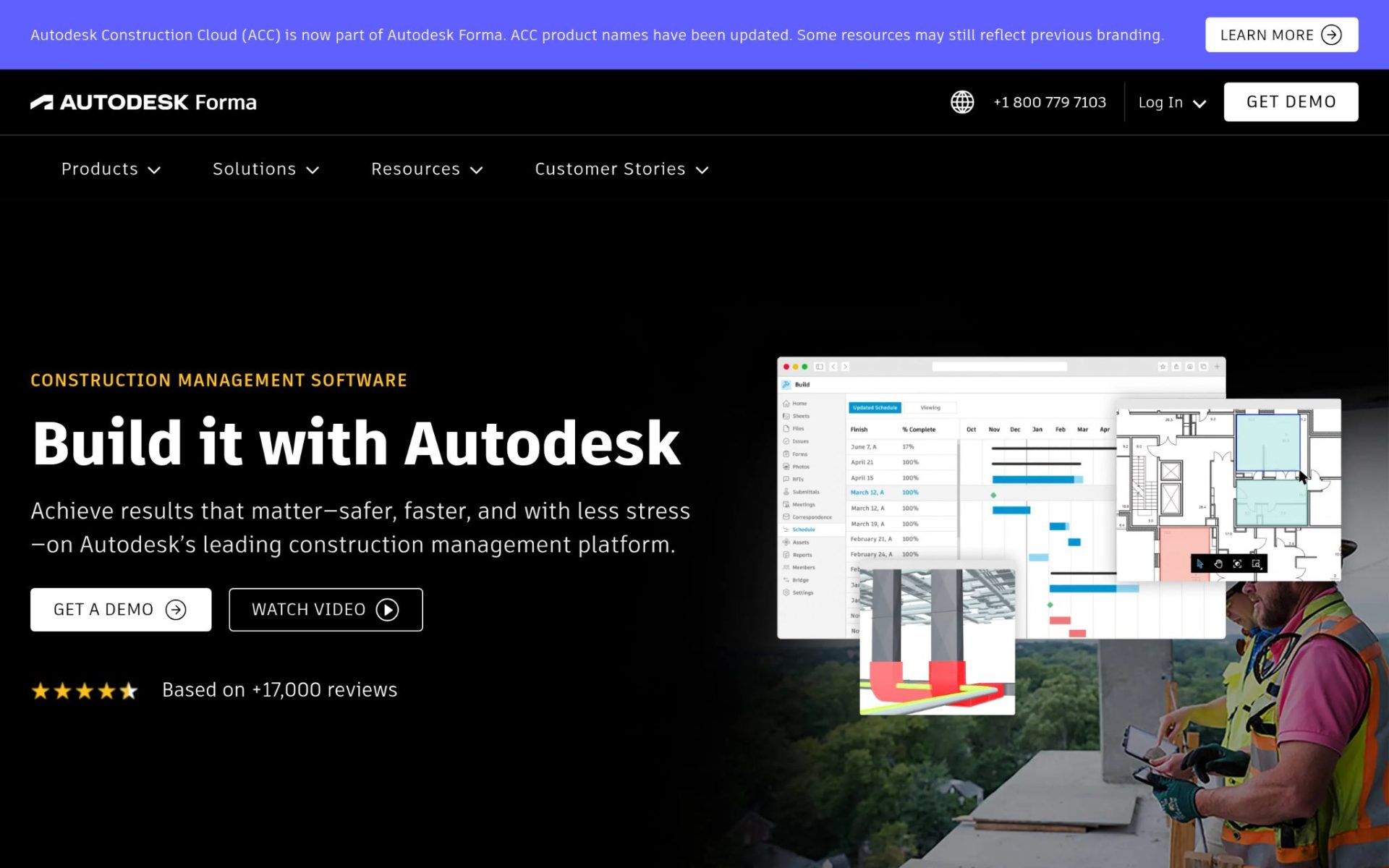
What Is the Purpose of Autodesk Construction Cloud?
Autodesk Construction Cloud ties together design, planning, building, and operations into one platform. It covers project management, cost management, safety management, and BIM workflows, making it one of the most complete ecosystems available for construction teams. The platform has been used on over two million construction jobs worldwide and connects with nearly one million subcontractors through its BuildingConnected network. For teams that need tight coordination between design models and live project data, it’s a strong fit.
What’s Autodesk Construction Cloud’s Edge in Digital Construction Scheduling Tools?
The platform closes the gap between design intent and field execution, which is where a lot of schedule risk lives in complex construction projects. Case studies tied to the platform show on-time project delivery rates reaching 97.8%, and that’s not a number you see often in construction (it’s not cheap to set up, but the results back it up).
The Review Roundup:
Autodesk Construction Cloud took home the 2023 Technology Solution Award from The Inside Construction Foundation Awards, and client case studies report tasks completed twice as fast after adoption. Reviewers consistently point to its BIM connection with subcontractor networks as standout capabilities. Teams that commit to the full ecosystem tend to see real schedule performance improvements.
5. monday.com – Best for Team Collaboration and Customizable Project Management

What Is the Purpose of monday.com?
monday.com is a work management platform used by over 152,000 customers across more than 200 industries. Its modular architecture lets teams build custom workflows using components like monday work management, WorkCanvas, and WorkForms. The platform is highly visual and easy to configure, which makes it accessible for construction teams that need project tracking without a heavy setup lift. It’s not purpose-built for construction, but its flexibility makes it adaptable to a wide range of scheduling and coordination needs.
What’s monday.com’s Edge in Digital Construction Scheduling Tools?
monday.com handles the challenge of bringing diverse teams onto one shared workspace without requiring everyone to learn a complex, specialized tool. For smaller construction operations or teams coordinating across departments rather than jobsites, that kind of low-barrier adoption is genuinely useful.
The Review Roundup:
monday.com has been named a Leader in the Gartner Magic Quadrant for Adaptive Project Management four consecutive years running, which is a consistent signal of market credibility. Reviewers frequently highlight its visual interface and ease of setup as strengths. The platform’s customer success stories, including a 50% productivity gain at Indosuez, show it can deliver real operational improvements across different industries.
Selection Framework: How Each Pick Was Evaluated
Establishing Your Data Foundation
The process started by pulling together a broad list of scheduling and project management platforms that appear across construction-focused directories, software review sites, and published case studies. Sources included product databases, user review platforms, and industry publication coverage. The goal at this stage was breadth rather than precision, because narrowing too early means missing platforms that don’t market themselves loudly but perform well in real-world use.
Filtering and Selection Criteria
From that initial pool, platforms were filtered based on the quality and consistency of available evidence. Options with thin or unverifiable review histories were set aside. The analysis focused on patterns across multiple review sources rather than individual ratings, since single data points can be outliers. Platforms that showed consistent strengths in scheduling, subcontractor coordination, and real-time visibility across multiple sources earned a place on the shortlist.
Cross-Checking Against Established Sources
Each shortlisted platform was then checked against its own marketing claims. Product pages, feature descriptions, and pricing information were compared with what actual users reported in verified reviews. Where a company claimed particular strengths in construction scheduling, those claims were checked against case studies and published outcomes. Discrepancies between stated capabilities and real-world feedback were flagged and factored into the final assessment.
Industry Standing Check
Recognition signals were also part of the evaluation. Award wins, mentions in construction and project management publications, analyst reports, and inclusion in recognized industry research all contributed to understanding each platform’s standing. This wasn’t about volume of mentions, but about the relevance and credibility of the sources doing the recognizing. A construction-specific award carries more weight here than a general software ranking.
Real-World Digital Construction Scheduling Tools Evidence
The final check focused on concrete, construction-specific evidence. Platforms with dedicated scheduling feature pages, verified construction industry reviews, and published case studies from real projects carried more weight than platforms with general project management credentials. The presence of integrations with established construction tools like Procore, Primavera P6, and Autodesk was also considered, since those connections reflect real adoption patterns within the industry rather than aspirational positioning.
Choosing the Right Digital Construction Scheduling Tools: A Quick Guide
Picking a scheduling tool isn’t just about features on a comparison page. The right fit depends on your project type, team size, and how much existing infrastructure you’re working around. Here’s what to think through before committing:
- Industry and Domain Experience: Look for platforms with a real track record in construction, not just general project management. Tools built for construction understand CPM scheduling, trade sequencing, and the reality of jobsite conditions.
- Features and Service Options: Make sure the platform covers your needs, whether that’s Gantt charts, look-ahead scheduling, daily reporting, or workload planning. Features that sound useful but don’t map to your workflow add friction, not value.
- Pricing Structure: Some platforms price per seat, others offer unlimited users (which matters a lot on large projects with many team members). Understand total cost of ownership before comparing headline prices.
- Results Measurement: Choose a tool that makes it easy to track schedule performance index (SPI), key deadline adherence rate, and planned versus actual completion. If you can’t measure it, you can’t manage it.
- Industry Knowledge and Compliance: Confirm the platform supports AIA contract standards, OSHA regulations, and local building code workflows where relevant. Tools that ignore these realities create gaps in documentation and accountability.
Wrapping Up
The best digital construction scheduling tools share one thing: they close the gap between what was planned and what’s actually happening on site. Wrike and monday.com offer strong general-purpose power. Procore and Autodesk Construction Cloud dominate at the enterprise end. Planera stands out for teams that want construction-native scheduling without unnecessary features. As construction projects get more complex, the teams investing in purpose-built scheduling tools now will have a real operational edge.